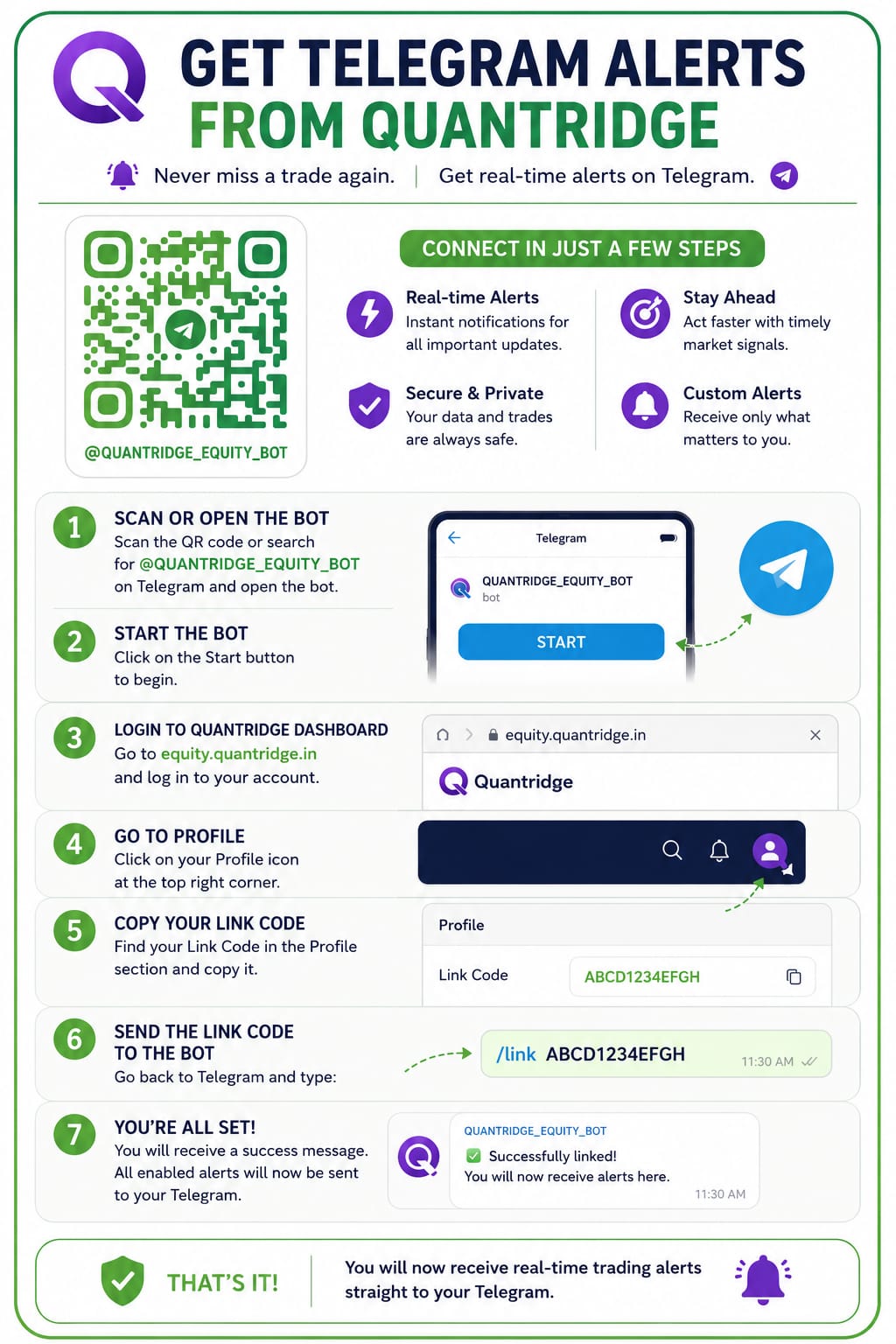
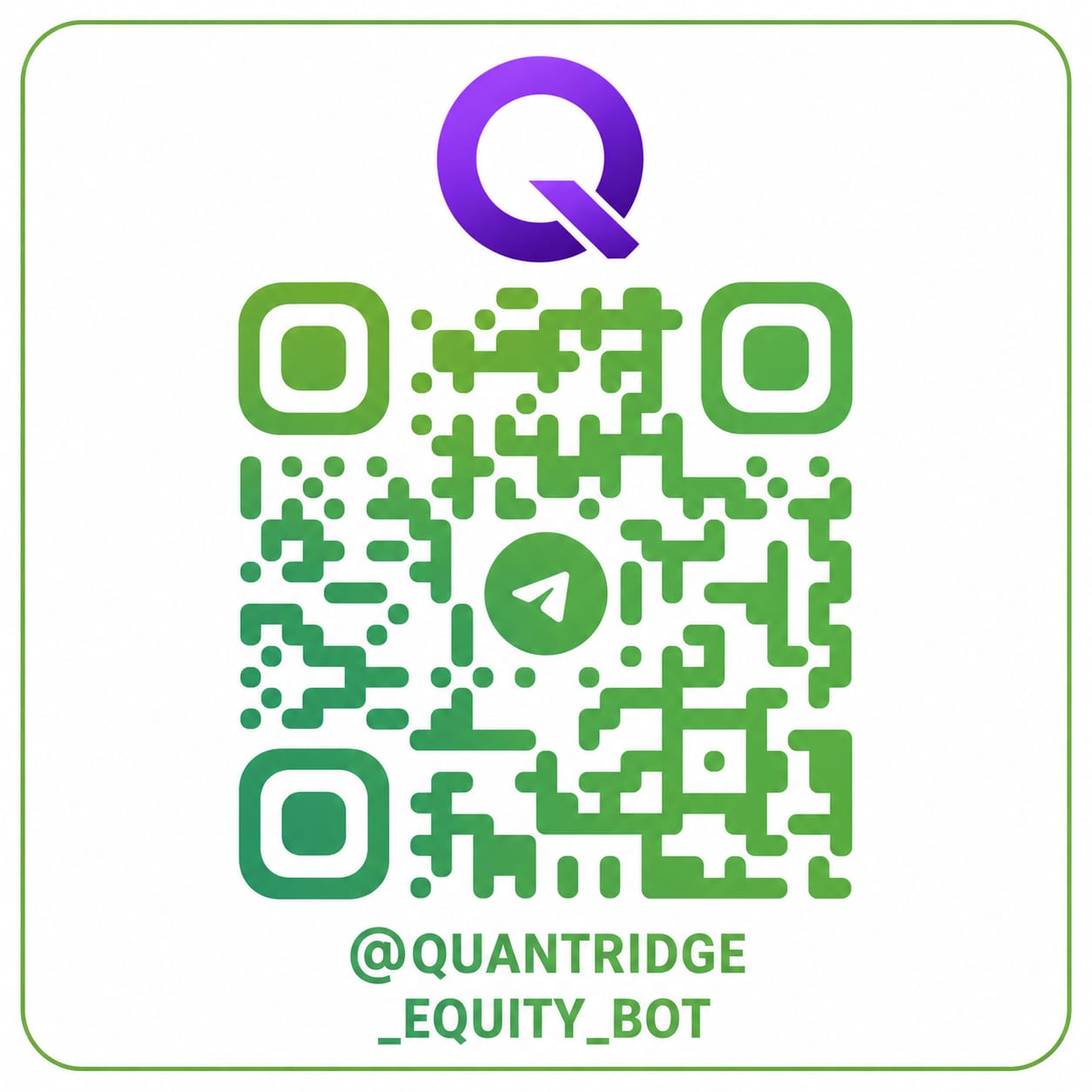
Link your Telegram chat to receive your own trade alerts. Scan the QR or tap to open the bot.
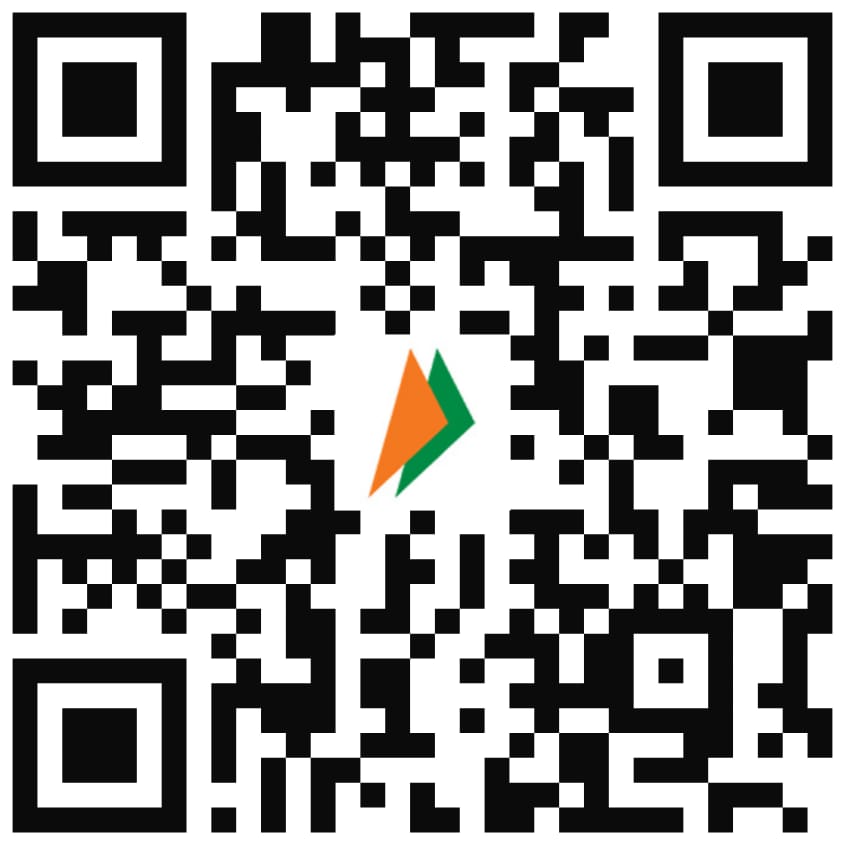
Scan the QR code to renew your subscription or contact support.
Equity Admin Dashboard
Manage platform users and global settings.
User Management
|
User
|
Name
|
Plan |
Actions |
Email
|
Max Accounts
|
Max Strategies
|
Expiry Date
|
Webhook
|
Status
|
Creating Date
|
Last Login
|
Last Active
|
|---|
Global Support QR Code
Upload a QR Code image to display on all user dashboards.
Update Stock List & MTF
Upload a master stock list and an MTF-allowed stock list to sync with Zerodha. The backend will automatically run a sync job after upload.
Plan Details
Set the monthly cost for each plan. These are shown to users on renewal.
Contact Info
These details are shown on the user profile / support page.
NIFTY 500 Day-End Exit & Trading Halt
Shared, system-wide check — NIFTY 500's own daily candle vs its own daily Supertrend. Each user separately opts in and picks Auto/Manual exit on their own Global Settings page.
Checked once, after the daily candle closes.
Telegram Admin Accounts
These Telegram accounts receive notifications for every user (subject to each user's Telegram toggle). Generate a code, then send it from the Telegram account to be added.
Select a Signal
| Account | Order Type | Status | Qty (Filled/Total) | Remaining Qty | Trigger Price | Fill Price | Live PnL | Realized PnL | Message/Reason | Date | Time |
|---|
All Running Trades
View all your live trades across all strategies
| Stock | Strategy | Entry | LTP | Qty | Live Qty | Invested | SL | T1 | T2 | T3 | P&L | P&L % | Day P&L % | Status | Action |
|---|---|---|---|---|---|---|---|---|---|---|---|---|---|---|---|
| Loading… | |||||||||||||||
ℹ️ P&L is calculated based on live LTP. Values may change with market movement.
Delete Closed Trade?
This trade will be permanently removed from reports and performance statistics.
To preserve reporting accuracy, please avoid deleting closed trades.
Delete All Cancelled Trades?
Every cancelled trade in your closed trades history will be permanently removed. This only affects your own account's trades.
This cannot be undone.
Delete All Non-Executed Trades?
Every closed trade with no actual fill — event block, EOD expired, limit expired, rejected, cancelled, or any other reason it never entered — will be permanently removed. This only affects your own account's trades.
This cannot be undone.
Select a Closed Signal
| Account | Order Type | Status | Qty (Filled/Total) | Trigger Price | Actual Fill Price | PnL | Message/Reason | Date | Time |
|---|
Manual Signal Entry
Inject a trade signal manually exactly as if it came from Chartink.
Broker Accounts
Manage your connected Zerodha accounts and their individual limits.
| Alias | Broker | User ID | Status | Margin | Proxy | Max Daily Trades | Max Concurrent | Max Exposure | Max Loss | Qty Multiplier | Auto Login | Actions |
|---|
Settings Dashboard
Global System Settings
Configure master bot execution controls, personal webhook feeds, and account limits.
Global settings are default values. Strategy and Account level settings will override them whereever configured.
Your Personal Webhook URL
Paste this URL into your Chartink alert. The scan_name in webhook payload will be matched to your enabled strategies to place orders on your accounts.
Automatically execute trades based on Quantridge trading signals.
How it works: When enabled, your account will automatically execute trades using real-time signals generated by Quantridge.
🔁 Signal Mirror Webhook URL
Paste this URL into Chartink alerts you want to mirror to opted-in users. Signals sent here are not processed on the admin account — they go directly to each enabled user.
Strategy Configuration
Customize independent risk, averaging, and execution limits for this strategy.
Performance Reports Per ₹10 Lakhs
Strategy-wise P&L
| Strategy ↕ | Net P&L (₹) ↕ | ROI % ↕ | Total Trades ↕ | Winning ↕ | Losing ↕ | Win Rate ↕ |
|---|
Trade-wise P&L
| # | Symbol ↕ | Strategy ↕ | Dir ↕ | Entry ↕ | Entry ₹ ↕ | Exit ↕ | Avg Exit ₹ ↕ | Qty ↕ | Trade Value ↕ | P&L (₹) ↕ | P&L % ↕ | Duration ↕ | Result ↕ | Exit Reason | Type |
|---|
| Time | Event | Symbol | Dir | Account | Strategy | Details | Old Value | New Value |
|---|---|---|---|---|---|---|---|---|
| Select the Daily Trade Log tab to load. | ||||||||
Corporate Action Events
Upcoming events for stocks in the next 2 days. The bot automatically blocks entries during these periods.
| Stock Symbol | Event Date | Event Purpose |
|---|

Add Broker Account
Account Positions & Holdings
×Fetching live data from Zerodha...
—
| Instrument | Qty | Avg Price | LTP | Day Chg | PnL |
|---|
| Instrument | Qty | Avg Cost | LTP | Day Chg | Value | PnL |
|---|
| Instrument | Qty | Avg Cost | LTP | Day Chg | Value | PnL |
|---|
| Instrument | Side | Product | Order Type | Qty | Filled | Price | Trigger | Status | Time |
|---|
| Instrument | Side | Product | Order Type | Qty | Filled | Avg Price | Status | Reason | Time |
|---|